Insights
How to Use ChatGPT or Claude for Customer Service

Casey Rowland

If you're a founder, or a small team, you're probably using your own AI agents to do tasks for you. You've probably started to automate different pieces of your business like daily reports, research, or content production. But did you know that you can use your agents from ChatGPT, Claude, etc. to run your support right from the dashboards that you're already familiar with?
Weav gives your agents the tools they need to run support without having to build and maintain the tools yourself. Anyone on your team can access the tools as well, making it easier to ensure that you're not duplicating work between two of you.
How can I use ChatGPT or Claude to talk to customers?
We created a way for your personal agent to talk with your Weav AI agent with our Weav MCP server. Think of your Weav agent as your VP of Support who is leading your support function. They have all the tools necessary and training to talk to customers around the clock across chat, email and WhatsApp, plus they have the ability to create, update or new knowledge base articles. An MCP server is the way that your personal agent and your VP of Support can talk with each other.
What can I do with my personal AI agent and Weav?
You can do anything from the Weav platform inside your own agent. We've made it so you can run support from wherever you are. No need to worry that conversations are going unanswered. With Weav, you can:
Sign up for Weav and set up your workspace without leaving ChatGPT or Claude: train your AI agent on your website, import an existing help center, check your setup status, and get the chat widget script
Create aggregate overviews of support conversations combined with conversation themes and actions
Look up customer profiles and recent conversation history
Reply to conversations or update status, priority, and assignee
Search, add, resync, or delete agent training data
Search, write, publish, and organize Help Center articles, categories, and sections
Review article revisions, edit improvement proposals, and share draft previews
How do I connect my agent with Weav?
If you don't have a Weav account yet, no stress. You can create one without leaving ChatGPT or Claude. No sign-in pop-up to sign up. The AI asks for your email, Weav emails you a 6-digit code, and you paste the code into the chat.
For Claude users (step-by-step screen shots below):
Inside Claude, go to "Plugins" on the right hand side
Search "Weav"
Click Weav; you will see it as the first option in the drop down.
Click "Add" on the right hand side


For ChatGPT users (step-by-step screen shots below):
Open ChatGPT
Click "Plugins" on the right-hand side
Click "+" on Weav
Click "Allow access"
Get started on signing up for Weav (steps below the screen shots)


Once you've added the plugin to your ChatGPT or Claude instance, you need to sign up for an account.
Ask the AI to sign you up for Weav.
Provide the agent your work email; each workspace requires that a user has an email address
Weav will email you a 6-digit code to the email address you entered
Paste the code into the chat
Give the AI your company or brand name; this will be your Workspace name
Your workspace is now created
You can continue to polish your agent with extra training materials, styling and tone setup.
Real-life example of Weav MCP at work
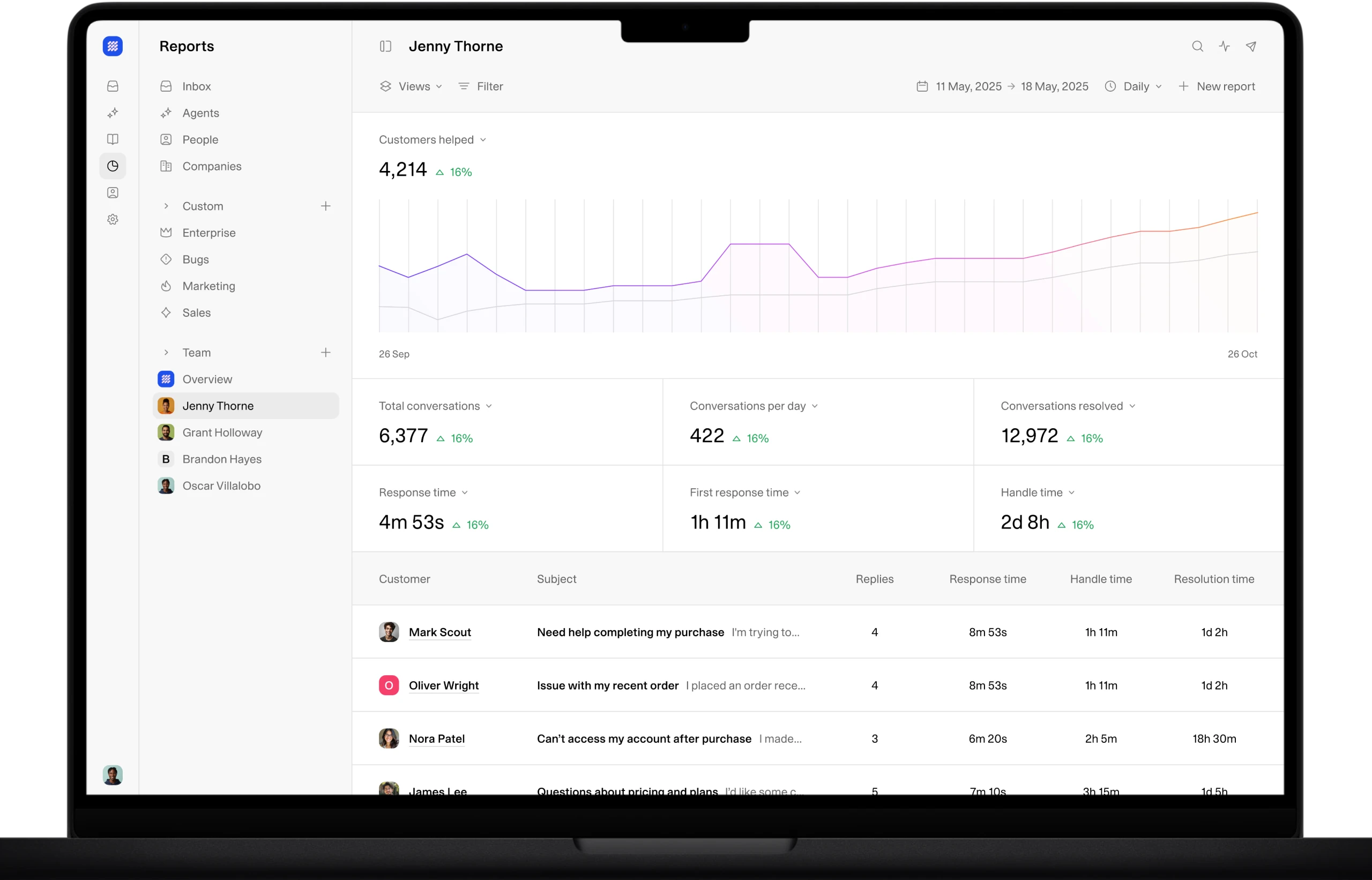
Once you're set up and going, you can start to manage your support directly with your own personal agent. You can see that we use it to find trends and things that need refinement with the AI agent.

If you want to see the technical details, you can check out our MCP documentation in our help center. In there you will find how our main MCP works, how the technical setup works, and troubleshooting tips.
FAQ
Do I need a Weav account before connecting ChatGPT or Claude?
No. You can create your workspace from the chat. The AI asks for your work email, Weav sends a 6-digit code, and you paste it in. Your company name becomes your workspace name. To use your inbox and help center after setup, you sign in and a workspace admin or owner approves the connection.
Which AI tools work with the Weav MCP server?
Claude and ChatGPT, plus coding tools like Claude Code, Cursor and VS Code. Weav is listed in ChatGPT's plugin directory and in Claude's connector directory, so you can add it without any technical setup.
Can my team use their own agents too?
Yes. Each person connects their own agent once a workspace admin or owner approves it. Replies post under the name of whoever sent them, so it's always clear who did what.
What can't I do from my own agent?
Day-to-day support works from the chat: replying to conversations, looking up customers, managing training data, and writing and publishing help center articles. Workspace settings, file uploads, brand voice and styling, reporting, and workflows still live in the Weav app.
Related Articles:
Casey Rowland