Insights
AI Support Agent vs. AI Chatbot: What's the Difference?

Casey Rowland

TL;DR:
An AI chatbot answers from a fixed script or FAQ list and hands off anything outside it.
An AI Agent reads live data, like order status, return eligibility, or subscription state, and resolves the ticket itself, including ones that need information from more than one system.
The real difference is autonomy: a chatbot responds, an Agent acts.
One of the most common questions that we get asked here at Weav is "Whats the difference between an AI chatbot and an AI agent?" Most people are using these things interchangeably because everyone know's what a "chatbot" is, but an "AI agent?"
I'm going to discuss the differences in this article. What you'll come to find out is that they are very different things. Even if on the surface, they seem like they do the same thing.
What is an AI chatbot?
AI chatbot is software that you install on your website that answers customer questions. It will use a fixed script, a matched FAQ list, or basic keyword recognition. It will respond to what its being asked, but it won't check against a live system; think inventory for an ecommerce store.
It won't decide what the next step should be, nor will it take an action on the customers behalf. If a question is outside the scope of your FAQs, or the fixed script, it either falls back to the last answer, or tries to handoff to a human, without any context being provided to the human agent.
Most chatbots labeled "AI" in an app store or plugin marketplace fall into this category: fast to set up, limited to what they were explicitly programmed to answer. More often than not, you'll see an "AI chatbot" thats just a standard chatbot with AI bolted onto the system. It was never designed AI first.
What is an AI Agent?
An AI Agent is software built to complete a task(s) for a customer. They don't just answer questions. The agents read live data: shipping status, a return's eligibility, a subscription's next billing date. It will reason about what the customer actually needs, and takes action to resolve it. That includes working across multiple systems that the customer isn't aware of. A script-based chatbot can't do this because it isn't connected to those systems in the first place.
AI Agent vs. AI Chatbot: side-by-side comparison
AI Chatbot | AI Agent | |
|---|---|---|
Core behavior | Responds using a fixed script or FAQ list | Reasons about the request and takes action to resolve it |
Data it reads | Usually none beyond its own script or help-center content | Live data: order status, return eligibility, subscription state, account history |
Multi-step or cross-system tickets | Can't handle them; hands off as soon as a question needs more than one data source | Built for them; pulls from multiple systems in a single resolution |
What happens outside its script | Escalates to a human, often with little context passed along | Escalates only what it genuinely can't resolve, usually with context attached |
Setup effort | Low: keyword rules or a canned FAQ list | Higher: needs access to the systems it's meant to act on (order, return, subscription tools), though modern platforms streamline this |
Best fit | Simple, high-volume FAQ deflection ("What are your hours?", "Do you ship to Canada?") | Ticket resolution for teams with repetitive tickets that require checking real account or order data |
Common pricing model | Often bundled into a chat-widget subscription | Varies by vendor: message-based, per-resolution, or per-outcome |
Where Weav fits
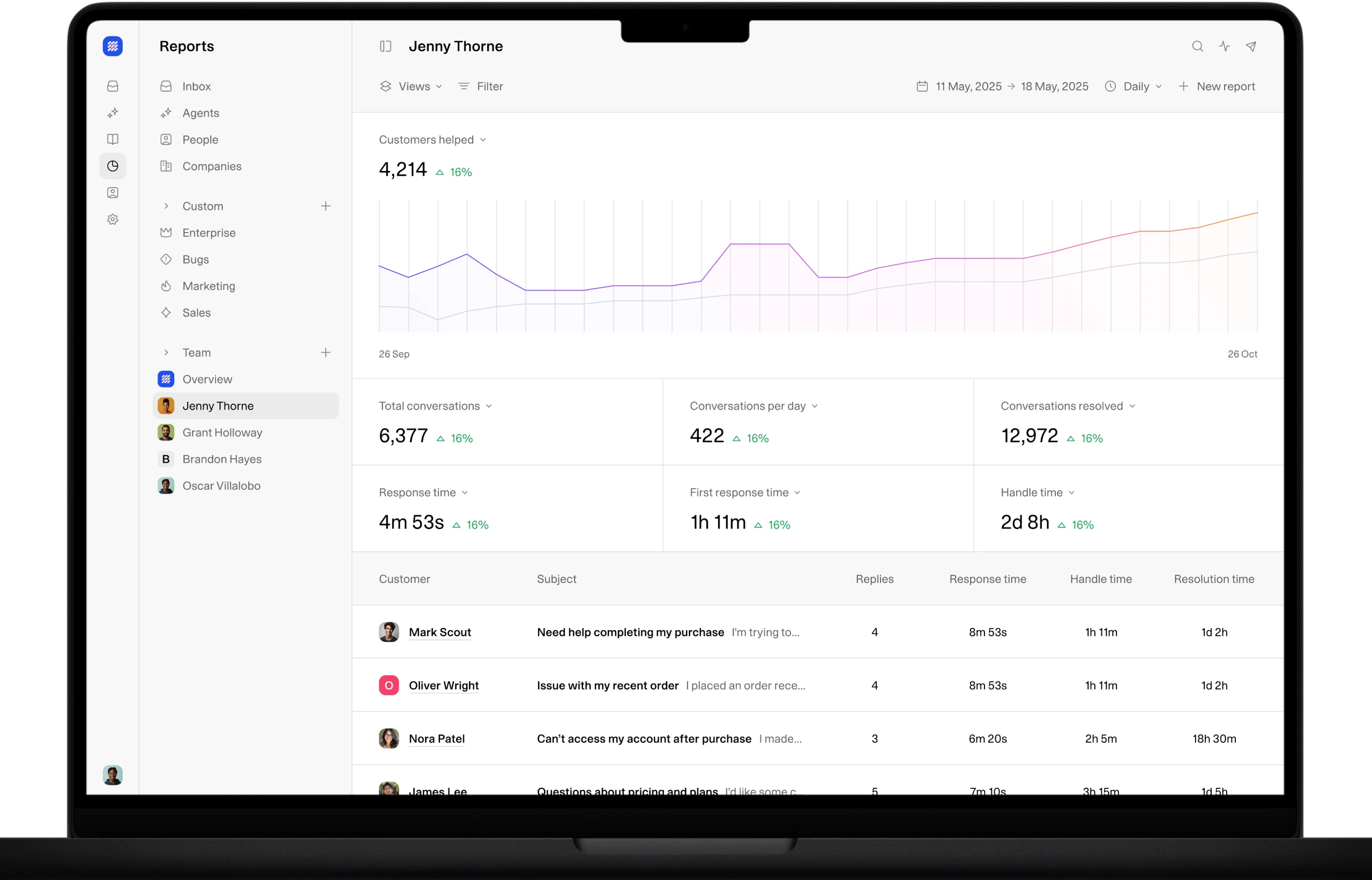
Weav is an AI Agent platform, not a chatbot. We land squarely on the right-hand side of the comparison chart above. With Weav, teams configure and control their own Agent rather than getting a preset bot from a vendor. We're built on an MCP-native architecture, which means that we can use different systems at once to answer questions.
Which one do you actually need?
Well, that really depends on your business and how much you want to automate with AI. Above, you'll see the "whats different", but "which one should a support team actually install?", thats a harder question to answer because its different for every business.
A chatbot is probably enough if the tickets are genuinely simple and don't require checking anything specific to the customer: shipping cutoff dates, store hours, general policy questions. If the answer is the same for every customer, a script can handle it.
An Agent is the right call if you want to add personalization to your site, something that is specific to that customer: whether this order shipped, whether this item is eligible for return, what this subscription's next charge date is. A chatbot can't answer those without a script that happens to already contain the answer, which it usually doesn't.
AI agents a the right way if you need cross-system tracking. "Where's my order, and can I also swap the flavor on my next subscription box?" needs two systems and one coherent answer. A chatbot can't handle a complex question like this. An Agent is designed to resolve both questions with one reply.
Volume matters too. A handful of complex tickets a week might not justify the setup effort of an Agent. Hundreds of repetitive-but-data-dependent tickets a month usually do.
We're confident that AI Agents are great for teams of every size. While you can get away with a classic chatbot on a low volume store, adding a little bit of personalization goes a long way in enhancing your customers experience with the you brand.
If you're ready to start setting up your AI customer support agent today, you can get started for free!
FAQ
Is an AI Agent just a more advanced chatbot? Not exactly. It's a different category of software, not a bigger version of the same one. A chatbot responds from a script. An AI Agent reads live data and takes action to resolve a task. The distinction is autonomy, not sophistication.
Can a chatbot be upgraded into an AI Agent? Generally no, not by adding more script rules. Vendor's have bolted on AI over the top of their existing systems, but they aren't built AI first leading to a mediocre experience. An Agent needs access to live systems (order, return, subscription data) and the ability to reason about what to do with that data. That's a different architecture, not an incremental feature added on top of a rules-based chatbot.
Is ChatGPT an AI Agent or a chatbot? It depends on what it's connected to. Used on its own in a browser tab, it behaves like a chatbot: you ask, it answers. Given tools, memory, and the ability to take multi-step actions, for example through the Model Context Protocol (MCP), the same underlying model can operate as an AI Agent. The label depends on what it's allowed to do, not the model itself.
Does an ecommerce store need an AI Agent, or is a chatbot enough? It depends on what the tickets actually require. If most questions are generic (hours, shipping policy, general FAQs), a chatbot can cover it. If tickets regularly require checking a specific order, return, or subscription, a chatbot will keep handing those back to a human, which is the exact gap an AI Agent is built to close.
What happens when an AI Agent can't resolve a ticket? A well-built Agent escalates to a human with the relevant context attached (what was asked, what was checked, why it couldn't finish), rather than a cold handoff. That's a fair thing to ask any vendor to demonstrate before buying.
Is an AI Agent more expensive than a chatbot? Pricing models vary too much across vendors to state a single answer as fact. Chatbots are often bundled into an existing chat-widget subscription at low or no added cost. AI Agents are typically priced by message volume, per resolution, or per outcome, and cost depends heavily on ticket volume and which vendor's model is used. Compare at your actual monthly ticket count, not a vendor's example numbers.
Related Articles
Casey Rowland