Drops
Introducing Weav's WhatsApp Integration

Casey Rowland

TL;DR
Weav now connects to WhatsApp. Your AI agent answers customer questions on WhatsApp automatically, using your existing resolution engine.
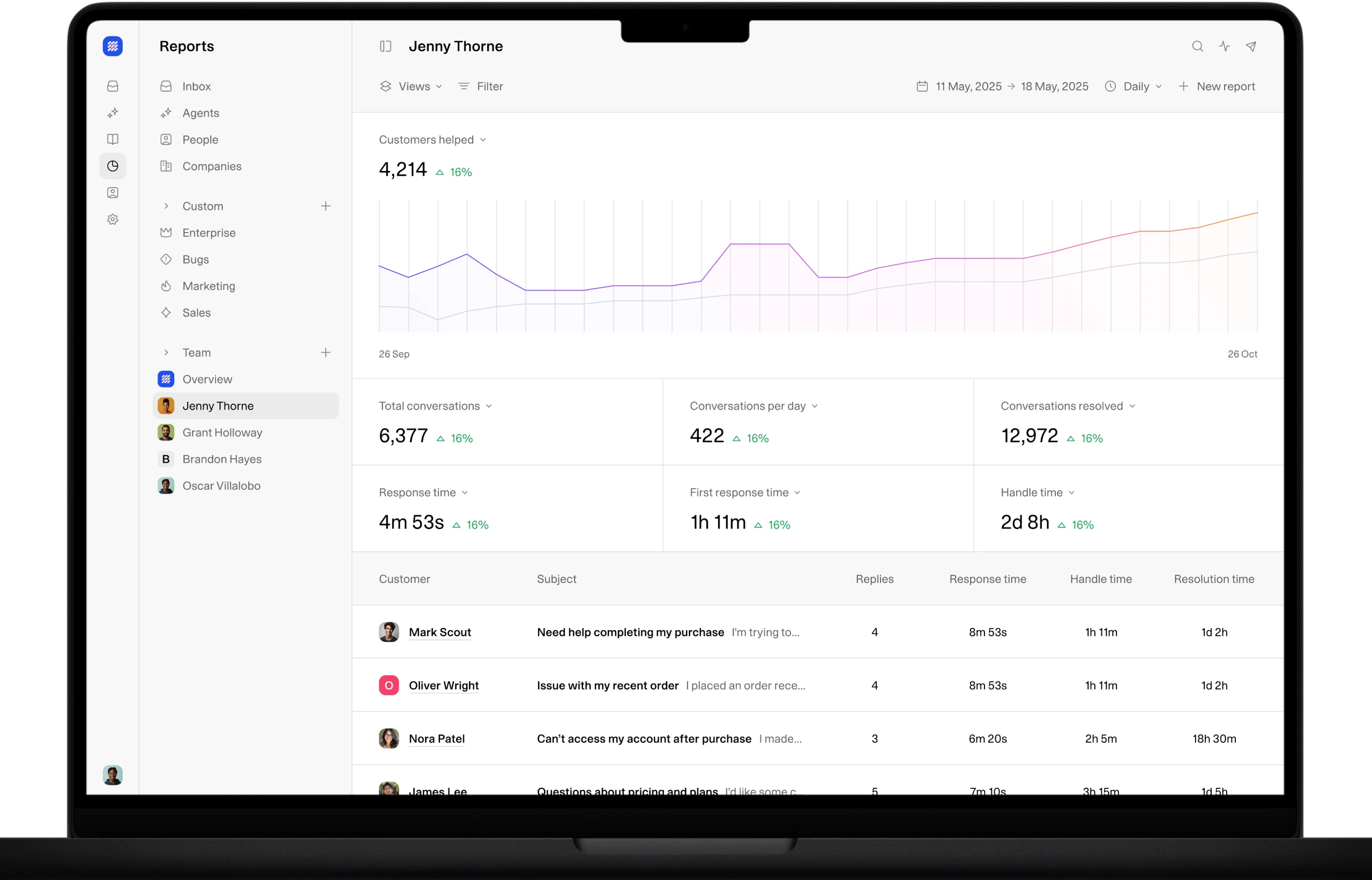
Conversations land in the same unified inbox as chat and email, with full history, internal notes,
Setup runs through Meta's official flow. Weav handles the webhooks and keys, so you never paste an API token anywhere.
It is live on every Weav plan at no extra cost.
Customers will use any and all means to get the support they need, and we've seen a shift to non-traditional channels. Customers have been using social channels to message friends and famiy, and those habits are expanding to include businesses as well. DM'ing, or Tweeting (we still call it that, right?) business has been common place for years now. So its only natural that customers expect that they can use multiple channels to get support.
Weav now integrates natively with WhatsApp allowing your agents to interact with customers with the same core Resolution Engine, but in a new way. Same agent, same knowledge, one more place your customers already are, included with every plan.
You can now connect a WhatsApp Business phone number to Weav so your AI agent answers messages on WhatsApp. Every WhatsApp conversation shows up in your unified inbox right next to chat and email, with its own channel indicator so you or your team know what channel customers are reaching out from.
What this means for our customers:
One agent, one more channel. Your AI agent that you have already built extends into another channel without worrying about re-training. It uses the same resolution engine that you've already built to answer questions. No second knowledge base, or drop in answer quality.
Everything in one inbox. Customers WhatsApp message history sits alongside your other conversations, and your team can add internal notes to collaborate behind the scenes without the customer seeing them.
Resolution, with a human waiting in the wings. The agent resolves what it can and hands off the moment a customer asks for a person, routing the conversation to the teammate you choose. That is the difference between deflecting a question and actually resolving it.
Less load on your team. The routine WhatsApp questions, order status, returns, does-this-fit, get answered automatically, which is one more way Weav helps reduce support costs as your volume grows.
How to integrate WhatsApp
Setup takes minutes (not being hyperbolic) and runs through Meta's official Embedded Signup flow. Best part for the less-technical folk like me, you don't need a developer. It only takes a few steps:
In Weav, go to Settings, then Integrations, then WhatsApp, and click Connect WhatsApp.
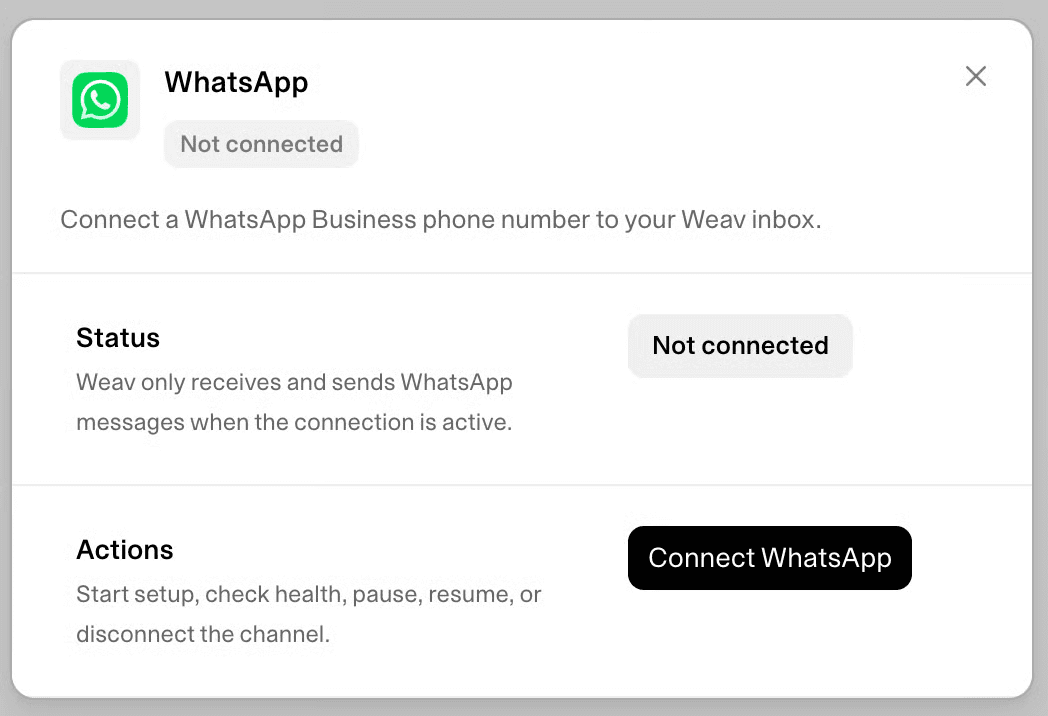
Sign in to your Meta Business Manager account in the popup and select or create your WhatsApp Business number.
Assign the AI agent you want handling WhatsApp, and set its welcome message and escalation assignee.
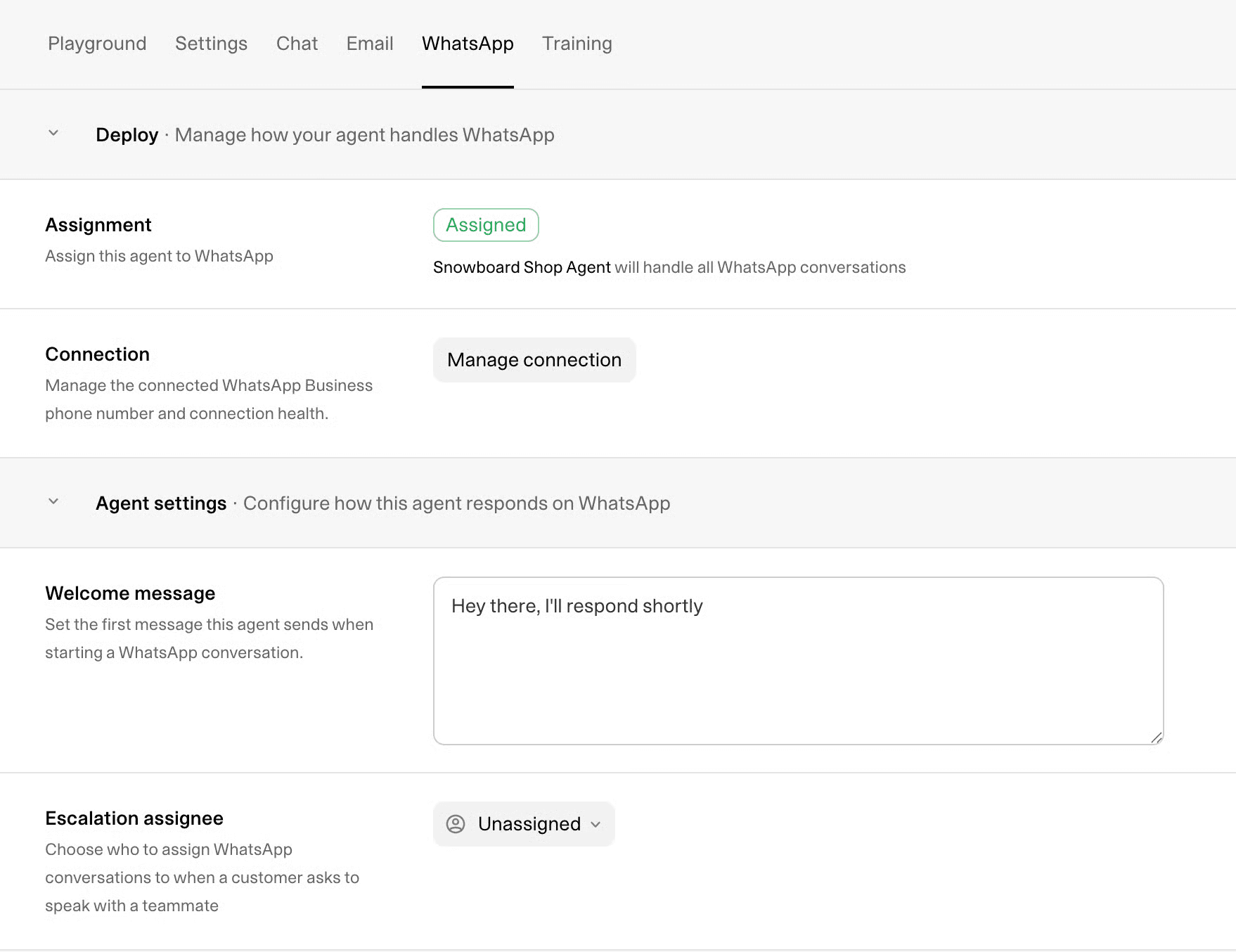
That is it. Your agent is live on WhatsApp.
The highly technical folk will appriciate this next part. Weav configures the Meta webhooks for you, so you never paste a webhook URL, API key, or access token into anything. You can read the full documentation in our WhatsApp setup docs.
One thing to know, Meta only allows replies within a 24-hour window. Its a rule they have, not us, so you only can reply to a customer for 24-hours after their last message. Customers can message you and pickup the conversation where you left off, but if your team tries to reach out after 24-hours, they won't be able to reach a customer.
WhatsApp is live on every Weav plan today. Connect your business phone number and let your AI agent start covering another channel where your customers already are. Get started free.
Frequently asked questions
Does Weav work with WhatsApp Business?
Yes. You connect a WhatsApp Business phone number through Meta's official Embedded Signup flow, and your Weav AI agent answers messages on that number automatically. If the number is currently active in the regular WhatsApp Business app, you migrate it to the WhatsApp Business Platform during setup, or use a different number.
Can my AI agent reply on WhatsApp automatically?
Yes. Once you assign an agent to WhatsApp, it answers incoming messages using your training data, the same way it does on chat and email, and hands off to a teammate whenever a customer asks for a person.
Is WhatsApp available on all Weav plans?
Yes. The WhatsApp integration is included on every Weav plan at no extra cost. Plans start at $30 per month.
Do I need to handle API keys or webhooks?
No. Weav configures the Meta webhook connection for you. You never paste a webhook URL, API key, or access token into Weav.
What is the WhatsApp 24-hour window?
Meta allows businesses to send outbound WhatsApp messages only within 24 hours of the customer's most recent message. Inside that window, your agent replies freely. Once it closes, you can add internal notes but cannot send a reply until the customer messages again.
Casey Rowland